Focus Environments — Adaptive Workspace
Serene Workspace environments change wallpaper, ambient sound, and theme in one click. A desk that adapts to how you work—not just another background picker.
Environments
One click. The whole desk changes.
An environment is wallpaper, ambience, and theme—tuned together so your workspace feels ready for the kind of work you are about to do.
Why environments beat loose settings
- The whole atmosphere moves together — Wallpaper, sound mix, and light or dark theme apply as one preset—not ten separate toggles.
- Ambience stays mixable — Presets start a curated mix; you can still layer rain, café chatter, train rumble, and more by hand. On Pro, place voices — barbershop, tea stall, station — sit in that same mixer, and your own music can too.
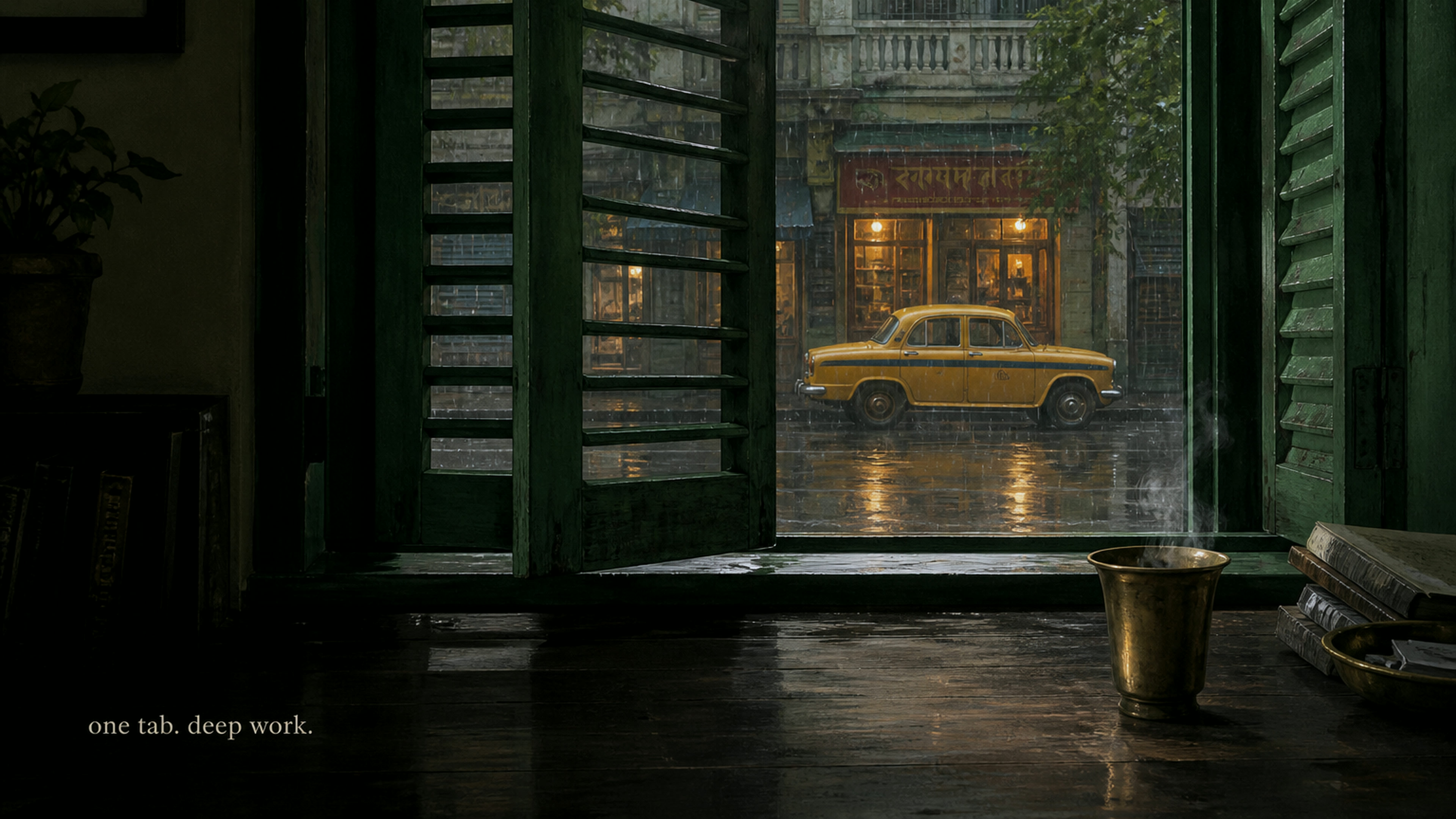
- Curated for real work modes — Corner Café for morning writing, Quiet Library for study, Late-Night Diner for night owls. Pro adds window views — Kochi, Udaipur, Varanasi — and painted rooms: Irani Café, Madhav Tea Stall, Night Train.
- Theme follows the scene — Diners and train cars bring a dark UI; cafés and libraries keep a light scene that matches the sketch.
- Still yours to customize — Upload a wallpaper or tweak volumes anytime. The desk becomes custom without losing your mix.
- Remembers this device — Wallpaper and active environment persist locally for guests and signed-in users.
How it works
- Open Environments — From the workspace header, open the Environments picker.
- Pick a preset — Desks, courtyards, Miss My Bar, Corner Café — and on Pro, window views like Kochi and Jaipur, plus custom rooms like Irani Café and Night Library.
- Start your session — Float the timer, tasks, and notes over a desk that already feels right.
Meet the monsoon desk
Desks, place sketches, and travel rooms—each with a matched mood.
In a real focus session
Match the room to the work before you start the clock.
- Choose the environment for this block — Studying? Quiet Library. Morning writing? Corner Café. Night session? Late-Night Diner or Miss My Bar.
- Start the timer — The atmosphere is already set; attention can go to the task.
- Adjust only if you want — Nudge volumes in Ambient Sounds, or swap wallpaper without rebuilding everything.
Environments FAQ
Is an environment just a wallpaper?
No. A Serene Workspace environment bundles wallpaper, ambient sound mix, and theme so the whole desk shifts at once.
Can I still upload my own image?
Yes. Upload a custom wallpaper anytime. That marks the desk as custom and keeps your current ambience.
Can I vote for the next rooms?
Yes. The Community page is a public ballot for the next wallpapers and songs. Anyone can browse; sign in to vote or suggest. It is not a social listening room.
Which rooms are Pro?
Seven window views — Kochi, Udaipur, Darjeeling, Varanasi, Calcutta Street, Bombay, Jaipur — plus six custom-painted rooms: Monsoon Courtyard, Night Train, Night Library, Backwater House, Irani Café, and Madhav Tea Stall. The painted rooms arrive with place voices such as tea-stall chatter, station voices, and library hush. Free presets stay free. A barbershop voice lives in the mixer for Pro, to layer onto any desk.
Do I need an account?
No. Guests can apply free environments immediately. Preferences stay on this device. Window views and custom rooms need Serene Pro.
Give your next block a room
Open Serene Workspace, pick an environment, and let the desk meet you where the work is.